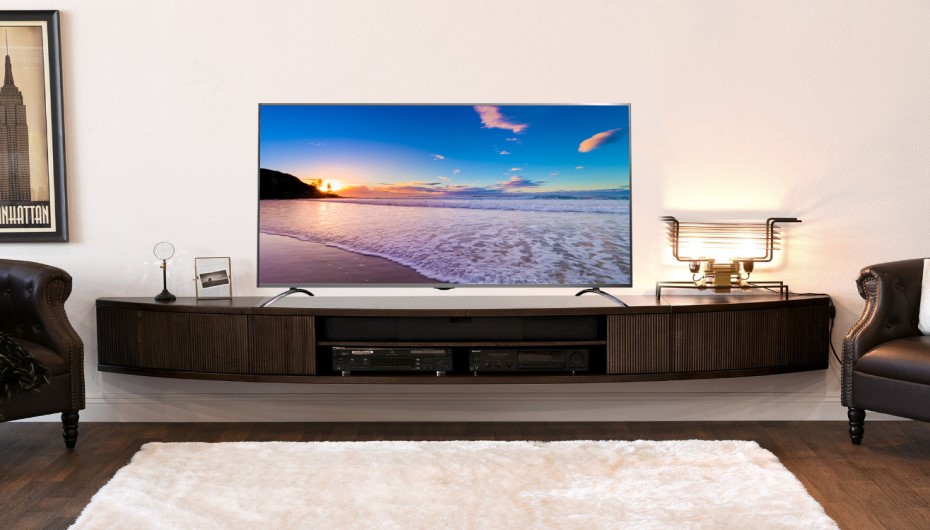
Does a Smart TV Need an Aerial? The answer is simple, your Smart TV only needs an internet connection to give you live streaming due to built-in features. Although some TVs may not have such features pre-installed in them.
According to the survey of 2020, the UK’s TV industry earned around 16.27 billion pounds. People watch TV for various reasons, like relaxing after work or staying informed about the news. If you’re considering getting a smart TV, you might be wondering, ”Do I need an aerial for a smart TV?”. This article will tell you what a TV aerial is and what you can watch. Keep reading to find out more about setting up a smart TV aerial.
What Is a TV Aerial?
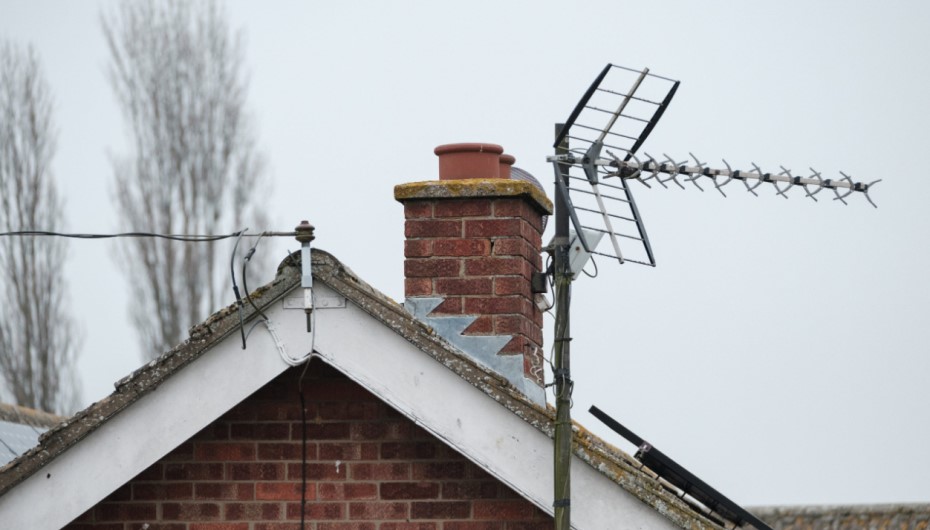
An aerial is like an antenna that picks up live TV signals. It’s usually placed on your roof and links to your TV’s receiver, which processes the signals. This connection allows you to access different TV channels.
There are a few kinds of TV aerials. The usual ones are terrestrial aerials, cable aerials, and satellite aerials.
In city homes, you often see terrestrial and cable aerials. Satellite aerials are more common in remote areas where TV signals are not as strong. Satellite aerials can function in cities too, but for them to broadcast channels, you’d need an additional external aerial.
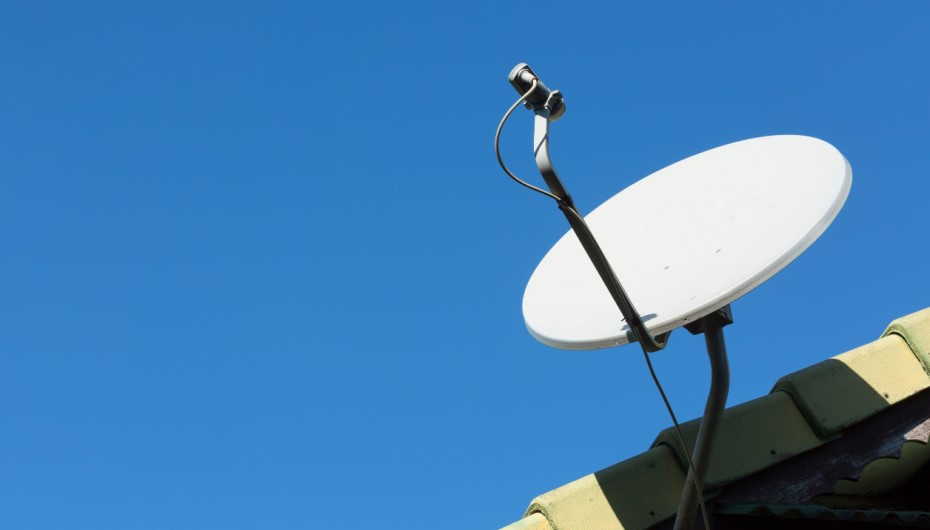
It’s best to get a professional technician to install your TV aerial. Setting it up can be tricky and risky, especially if you’re not experienced with putting satellites on rooftops.
Smart TV & TV Aerial

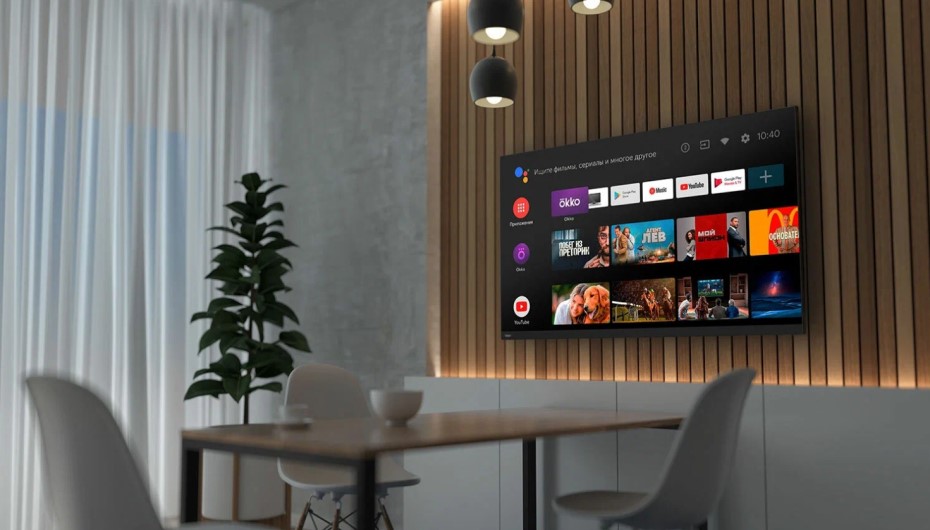
If you own a Smart TV, you’ll discover it already has different apps installed. Connecting your TV to your home WiFi lets you use these apps easily.
Internet Connectivity Settings for TV Aerial
You can connect your TV’s WiFi to your internet connecting by following these steps.
- Go to Network Settings.
- Choose your home WiFi from the list, input your password, and let them connect.
Once this is done, you can enjoy movies, music, and more, as long as you have the necessary apps installed.
Does a Smart TV Need an Aerial?
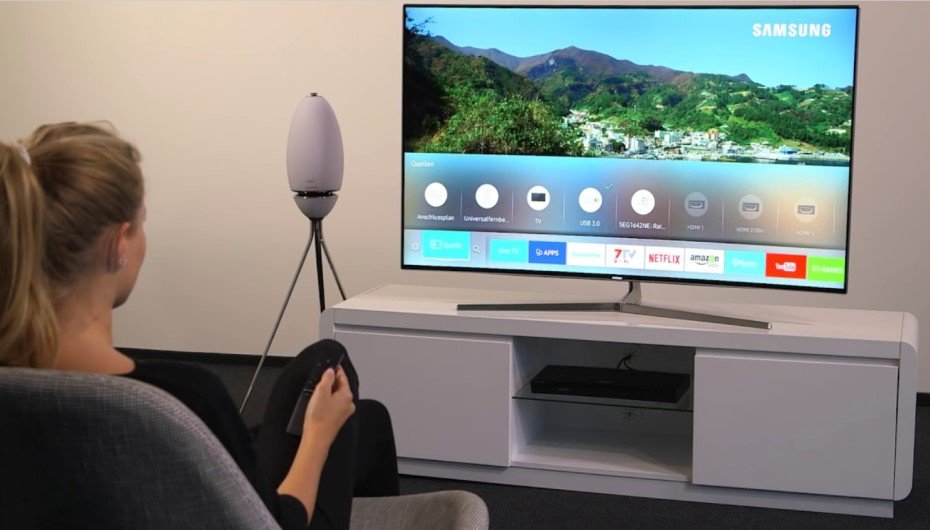
If you’re using a streaming service on your smart TV, you don’t need an aerial. Smart TVs don’t rely on aerials to bring you shows, movies, and music; they access content through the internet. To enjoy popular apps like Netflix, Hulu, and Amazon Prime Video, all you need is an internet connection on your smart TV.
However, if you want access to cable TV channels, then yes, you’ll need an aerial. Aerials provide broader access to television stations, but it’s important to note that you can still stream content without them.
Smart TVs lack built-in aerials. For instance, if you have Freeview, you’ll need an aerial to watch channels like CBeebies and BBC News, and more.
In summary, you only require an aerial for your smart TV if you intend to watch cable channels.
Difference Between Streaming and Terrestrial TV
Streaming and terrestrial TV offer access to your favorite movies and TV shows, but they differ in how content is delivered.
Streaming
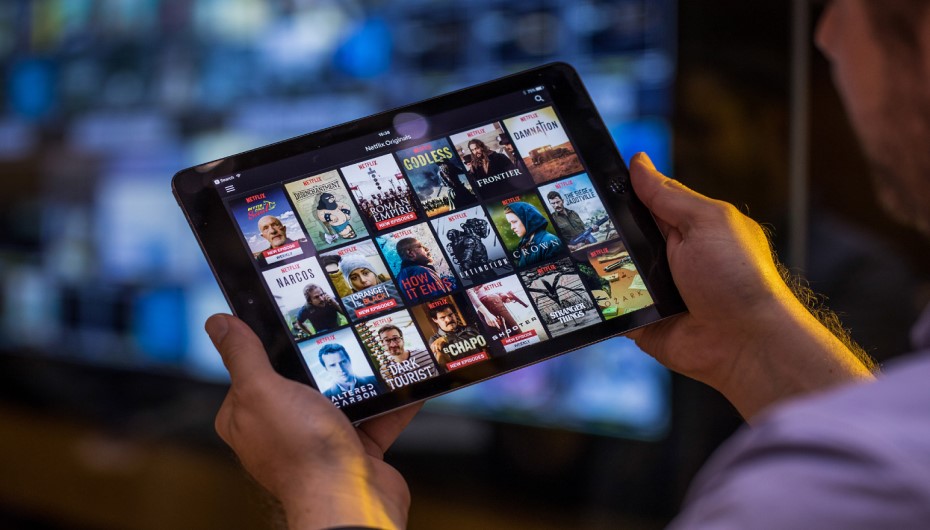
Streaming services provide shows and movies on demand, allowing you to watch them whenever it suits you. It typically involves fewer cables, as data is transmitted over the internet and through wireless connections.
Terrestrial TV
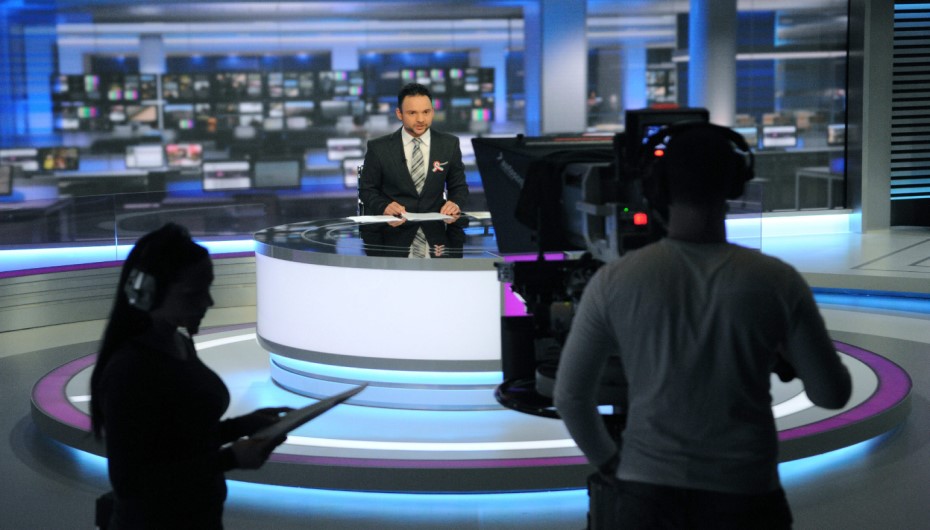
Terrestrial TV follows a set schedule for broadcasting movies and TV shows. Viewers need to tune in at specific times to catch their preferred content. They require various cords and cables to receive signals and watch movies and TV shows.
In summary, streaming offers flexibility with on-demand access and a simplified cable setup, while terrestrial TV operates on a fixed schedule and involves more cables for signal reception.
Reasons Why You Should Have a Smart TV?
There are many reasons to get a smart TV aerial. Even if you watch TV shows, movies, and documentaries on streaming services, having an aerial connection can still be helpful.
Access to Free Channels
If you like channels such as Bloomberg, Crackle, Pluto TV, PBS, CBS, Tubi, NBC, Plex, ABC, and Fox, think about getting a smart TV aerial. It lets you watch these channels for free, without needing to pay a subscription fee.
Access to Paid Channels
Consider getting a smart TV aerial if you want to watch subscription TV programs like BBC. The BBC channels require an aerial connection. Additionally, if you’re interested in watching live broadcasts from local news outlets or mainstream news programs, having a TV aerial is necessary.
Access to HD Channels
If you enjoy watching HD movies and TV shows, investing in a smart TV aerial is a good idea. Aerial content stays uncompressed, ensuring that your movies and TV shows have sharp and clear visuals. Simply position your antenna for the best reception of each TV station’s signals.
Conclusion
If you own a smart TV and rely on streaming services for your TV shows, music, and movies, you don’t need an aerial. However, the query “Do I need an aerial for a smart TV?” is solved here as we have discussed above. Smart TV aerials provide access to numerous channels, both paid and free. If you’re interested in terrestrial TV, think about installing a smart TV aerial during your next home improvement project. You can find more interesting topics at styleofhome.com