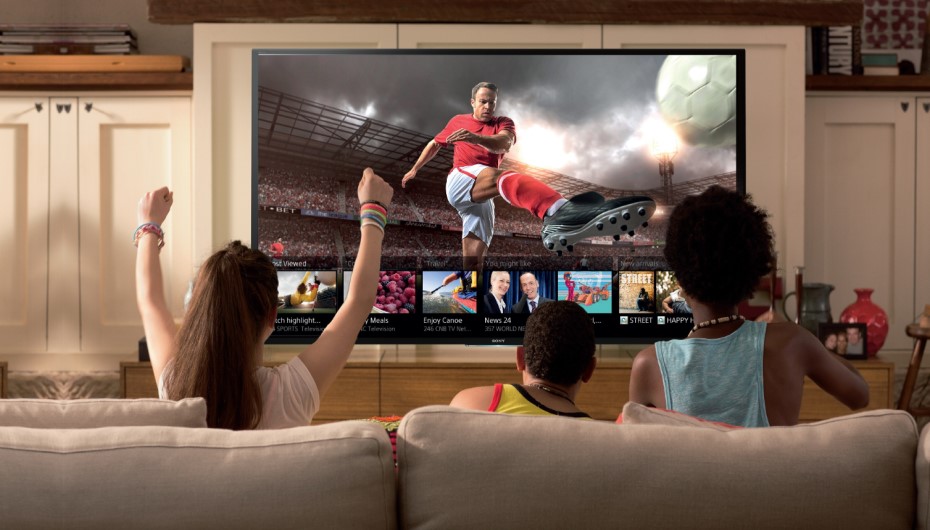
Millions of households are now enjoying entertainment in a new way with smart TVs. Many people now wonder if the traditional TV aerial has a place in today’s modern living room, as they can use streaming apps, voice control, and have built-in internet access. As a new smart television owner or someone considering upgrading their TV, you might wonder about the need for an aerial with a smart TV.
A smart TV doesn’t need an aerial to switch on or function technically; the answer is no. But if you’re looking for specific content, then you may not require one. This guide covers all the essential information in a simple and straightforward language that allows you to make an informed decision about what is best for your home.
What is a Smart TV?
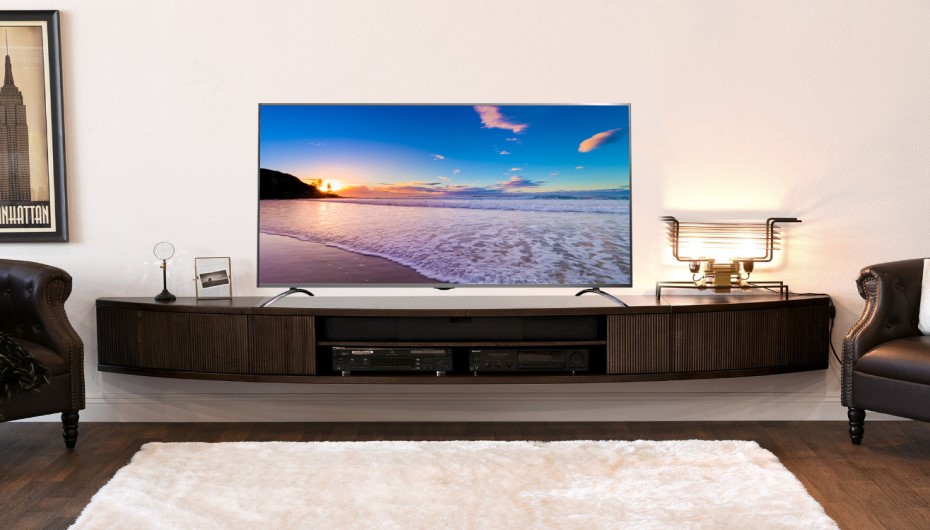
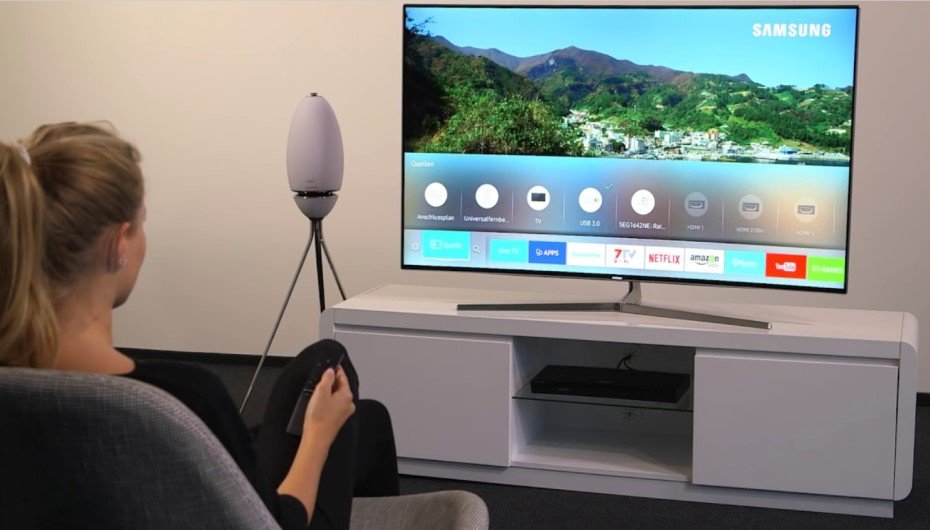
A smart TV is a television that has Internet capabilities. You can use it to view movies, shows, music, and other online content directly via it’s built in apps. Most of the new smart TVs have access to services like Netflix, Amazon Prime Video, Disney+, YouTube, Apple TV+, and BBC iPlayer.
Smart TVs are also equipped with additional capabilities like voice control, screen mirroring, an internet browser, and automatic software updates. These features make a smart TV much more flexible than a conventional television, which could only be used to show broadcast stations.
But, at the end of the day, a smart TV is still a TV. This also allows it to take in regular TV signals via a built-in tuner, as long as it is plugged into an aerial.
What Is a TV Aerial?
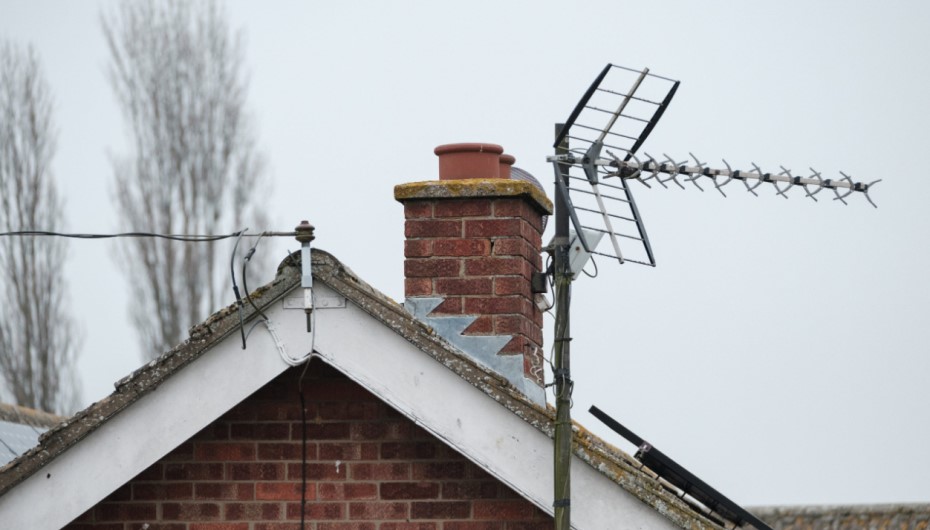
A TV aerial or antenna is a metal object used to receive over-the-air (OTA) television signals. Television transmission stations around the country emit these signals, which can be picked up by a TV set to receive the BBC One, BBC Two, ITV, Channel 4, and Channel 5 channels in the UK or local channels in other places.
The aerial picks up the broadcast signal, which is then transmitted via a coaxial cable to the rear of your TV set. The TV’s internal tuner then translates the signal into the picture and sound you are viewing on the TV. Aerials are typically installed on the roof, in the loft, or sometimes inside close to a window.
Does a Smart TV Need an Aerial? The Direct Answer

An aerial is not required for a smart TV. Connect it, plug it in, and you’re ready to go for streaming apps! None of the smart features will be affected without a single broadcast cable.
But if you want to view live free-to-air channels like BBC, ITV, Channel Four, Channel Five, or your local free TV stations via the TV Guide, you will require an aerial. No matter how good its software is, your smart TV won’t be able to receive over-the-air signals without one.
In simple terms:
- If you only want to stream, you do not need an aerial.
- If you want to watch live broadcast television traditionally, you do need an aerial.
When You Do Need an Aerial for Your Smart TV
Even with a smart TV, there are still a few times when an aerial comes in handy, and sometimes it is a must.
Watching Free-to-Air Channels Like Freeview
Freeview has over 70 channels and 15 HD channels available in the UK free of charge. To access the complete Freeview service via your TV Guide, you will require an aerial to be connected to your smart TV. This is true with the free terrestrial services in other countries also, e.g., ATSC in the United States or DVB-T2 in Europe.
Living in an Area with Poor Internet
Streaming does require a stable broadband internet connection, with at least 5-10 Mbps internet speed for streaming HD content, and 25 Mbps or higher for streaming in 4K. If you have a slow or unreliable Internet connection, an aerial will provide a far more reliable means of viewing live television. Unlike streaming, the broadcast signal doesn’t buffer or freeze.
Watching Live News, Sports, and Local Programmes
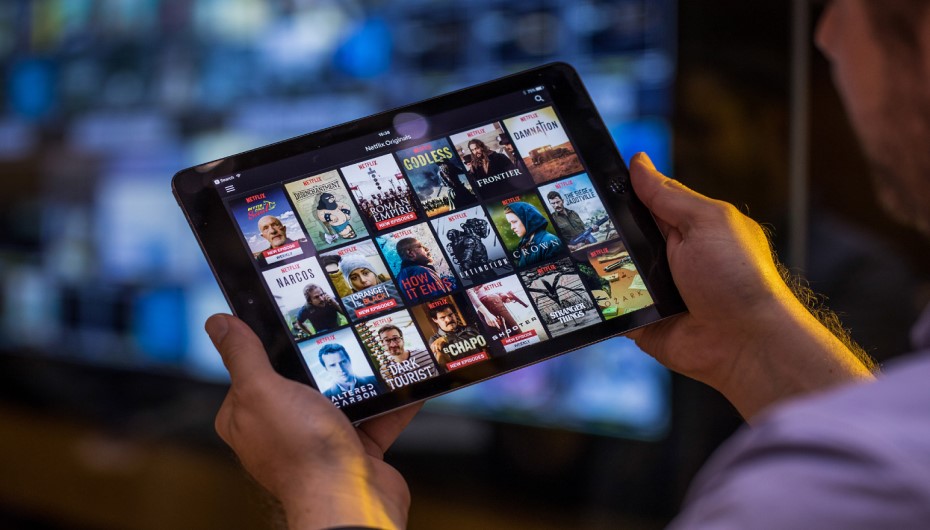
An aerial provides real-time access to the morning news, live sports programmes, or regional programmes. Many viewers also favor the quality of the pictures of the HD broadcasts, which, at times, are clearer than the compressed streaming pictures.
Reducing Internet Data Usage
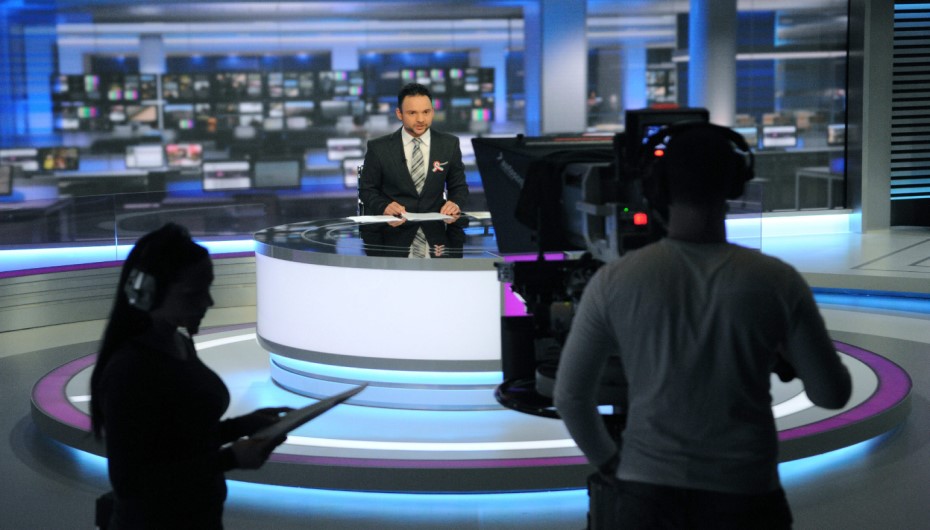
Streaming consumes a lot of data from the internet, particularly when streaming in HD or 4K. An aerial is an option if you have a capped or limited broadband plan, as this can assist you in keeping within your monthly limit and watching live television.
Backup During Internet Outages
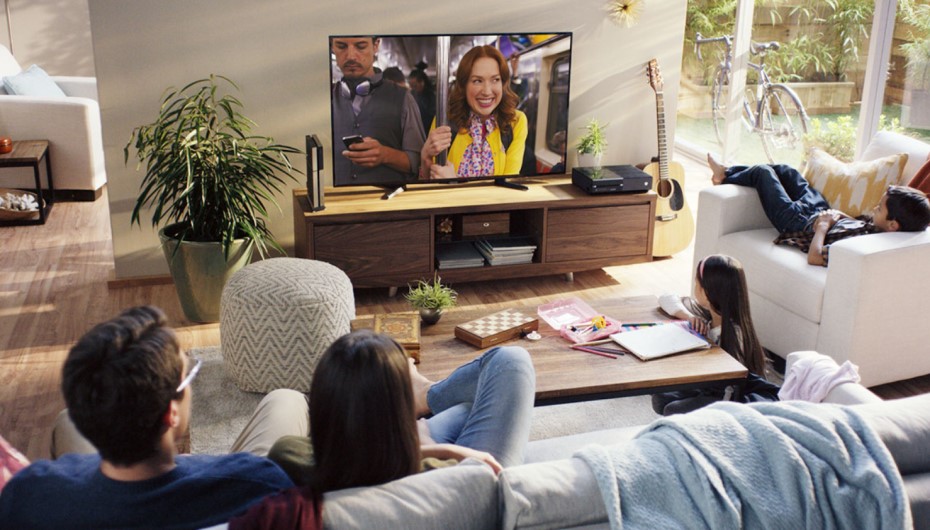
For a variety of reasons, the internet can go down, whether due to bad weather, hardware failure, or service provider issues. An aerial will allow you to watch live TV if an internet connection is unavailable at home.
When You Do Not Need an Aerial
There are also numerous instances in which an aerial is not needed at all. If one or more of the following situations apply to you, you can comfortably use your smart TV without one!
If you are a user of streaming services like Netflix, YouTube, and Spotify, then this is for you.
If you stream everything you watch from Netflix, Amazon Prime, Disney+, YouTube, and more, then you don’t need an aerial. All it needs is a good Wi-Fi or Ethernet connection.
You Only Use Streaming Services
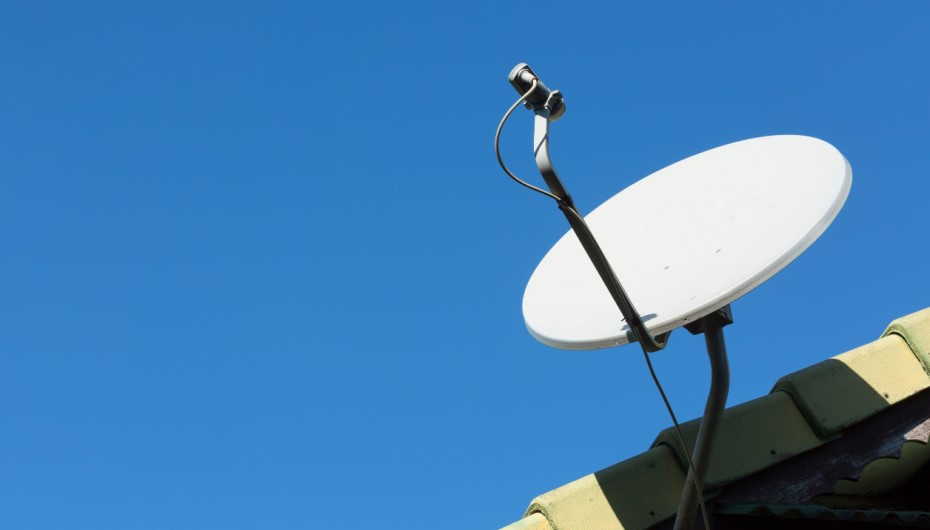
Depending on which country you live in, if you pay for cable or satellite TV (Virgin Media, Sky, or other provider), the signal typically passes through a separate set-top box. This indicates that you don’t need to use an aerial to obtain those channels with your smart TV.
You Use Cable or Satellite TV
Many broadcasters have their own streaming app. This involves BBC iPlayer, ITVX, Channel 4, My5, and UKTV Play in the UK. These applications provide both live and on-demand content via the internet without an aerial.
You Watch Broadcast Content Through Apps
Not all houses have an aerial socket, and it may not be possible to install a new aerial in flats, listed buildings, or short-term rentals. In such instances, streaming is the most feasible alternative.
How to Watch Live TV Without an Aerial
If you don’t want to opt for an aerial, there are other options to receive live broadcast TV with your smart TV. The most popular alternatives are listed below.
Built-In Smart TV Apps
Most modern smart TVs also have preloaded broadcaster applications like the BBC iPlayer, ITVX, Channel 4, and My5. These apps enable you to stream live games and watch shows immediately online.
Freeview Play and Freely
Freeview Play is a combination of live TV and on-demand material from major broadcasters and is included on many smart TVs in the UK. Brands like Panasonic, Hisense, and Bush also offer Freely service, which streams live channels 100% over the internet with no aerial.
Streaming Devices
If your TV isn’t loaded with all the apps you want, a small streaming device can make up for the difference. The Amazon Fire TV Stick, the Roku, the Google Chromecast, and the Apple TV are all popular choices. These connect to the HDMI port and provide access to a lot of applications for live and on-demand viewing.
Cable and Satellite Services
Pay television services such as Sky, Virgin Media, and others provide channels via their networks. They do not require an aerial, but a subscription and an STB will be needed.
Online TV Players
Some channels are available to view on any internet-connected device, such as your smart TV web browser if it has one, with services such as TVPlayer and live broadcaster websites.
Types of TV Aerials Explained
If you enjoy watching HD movies and TV shows, investing in a smart TV aerial is a good idea. Aerial content stays uncompressed, ensuring that your movies and TV shows have sharp and clear visuals. Simply position your antenna for the best reception of each TV station’s signals.
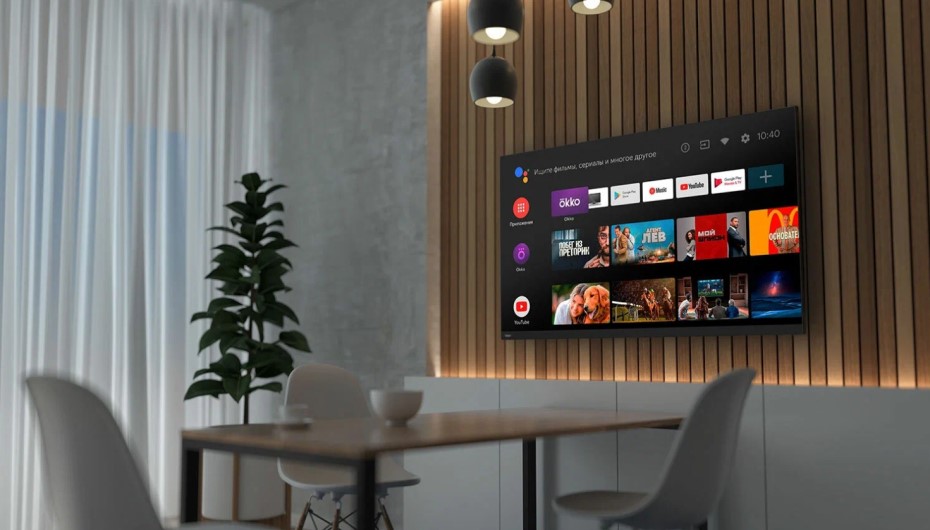
Once you have made the decision to use an aerial, you should be aware of the different types of aerials that are available to select the most suitable one for your home.
Rooftop Aerials: installed on the roof and typically provide the best and most stable signal. They are good for a house that is a distance away from a transmitter or in a poor reception area.
Loft Aerials: These are fitted within the loft, and are therefore not exposed to the elements, but may be slightly weaker than those placed on the roof tops because the roof materials can weaken the signal.
Indoor Aerials: Indoor aerials are small, portable, and can be set up close to the TV. They are most effective in areas that have high broadcast signals.
Wideband Aerials: Wideband aerials are recommended by Freeview as they transmit on all frequencies used for Digital Television and will still function if there are changes to the signal frequencies in your area.
How to Connect an Aerial to a Smart TV
Even the least tech-savvy person can easily connect an aerial to a smart TV. Here are some easy steps to follow:
- Locate the aerial socket on the back of your smart TV. It is usually labelled “ANT IN,” “RF IN,” or “Antenna.”
- Plug one end of the coaxial cable into the aerial wall socket in your room.
- Plug the other end into the aerial input on your TV.
- Switch on the television and go to the settings or setup menu.
- Choose the option to scan or tune for channels. The TV will automatically search for all available broadcasts.
- Once the scan is complete, save the channels, and you are ready to watch live TV.
Pros and Cons of Using an Aerial With a Smart TV
In order to decide, below is a quick summary of the main advantages and disadvantages.
Advantages
- Free access to live broadcast channels with no subscription fees.
- Stable picture quality that does not depend on your internet speed.
- A reliable backup option when broadband is slow or down.
- No data usage required to watch live television.
- Access to local news and regional programming.
Disadvantages
- Initial cost of buying and installing an aerial, especially professionally.
- Possible interference from weather, buildings,, or nearby electronics.
- Limited to the channels available in your area.
- Not always possible to install in flats, listed buildings,, or rentals.
Do You Need a TV Licence If You Use a Smart TV?
As in the United Kingdom, you need a TV licence to watch or record live TV broadcasts, including those watched via aerial, cable, satellite, or online services like ITVX and All 4. Even on-demand programmes on BBC iPlayer require a licence.
You might not need a TV licence if you are only using your smart TV for streaming services without live content, e.g., Netflix or Amazon Prime Video. But conditions are different in different countries, so consult your local broadcasting authority.
Conclusion
So, do smart TVs require aerials? The straightforward answer is that it’s dependent upon how you intend to observe television. However, if you are a Netflix, Amazon Prime, YouTube, and other streaming platforms buff, you can happily use your smart TV without a cable. All you need is a good internet connection.
But if you are a fan of live TV, free-to-air, local news, and the comfort of conventional TV, then an aerial is still worth having. It also can come in handy if your internet connection is slow or down, and it doesn’t cost you anything on your monthly bills after it is installed.
For the majority of households, the ideal configuration is a mixture of the two: a smart TV that has internet connectivity for streaming, and an aerial for live broadcasts. That provides you with everything, with no compromise on choice or reliability.
If you’re interested in terrestrial TV, think about installing a smart TV aerial during your next home improvement project. You can find more interesting topics at styleofhome.com
FAQs
Can I use a smart TV without any cable or aerial?
Answer
Yes. You can stream content on your smart TV without having an aerial or cable connection as long as your TV is internet-connected via Wi-Fi or an Ethernet cable.
Will my smart TV work without Wi-Fi?
Answer
Even if a smart TV doesn’t have Wi-Fi, it will still turn on and show the programming from an aerial, an HDMI device, or a USB drive. Without an Internet connection, however, you won’t be able to enjoy any of the streaming apps or smart functions.
Can I get Freeview without an aerial?
Answer
Traditional Freeview can only be received via an aerial through the TV Guide. Most Freeview channels can, however, be viewed via internet applications on the BBC iPlayer, ITVX, Channel 4, My5, and Freely on compatible smart TVs.
Are indoor aerials any good for smart TVs?
Answer
In locations where strong signal coverage exists, an indoor aerial may be able to perform well. Where reception is poor, they will generally get a better reception from a rooftop or loft aerial.
Do all smart TVs have an aerial socket?
Answer
Nearly all modern smart TVs come with a tuner and an aerial port, so you can attach an aerial anytime you want to. If this is important, always make sure to check specifications on the purchase.